Free Managed DNS Service
Manage your domain DNS records from one reliable place.
Use DNSExit to host DNS for your domain, manage records from the web, connect Dynamic DNS for changing IPs, and automate updates with the DNS API.
What can you manage?
Control DNS records
Manage domain, host, email, alias, and verification records from an easy web interface.
Pair with Dynamic DNS
Keep hostnames reachable even when home, office, or lab IP addresses change.
Automate with API
Use the DNS API for scripts, applications, DNS updates, and certificate automation.
What is DNS? |
|||||||||||||||
|
DNS connects human-friendly domain names to the IP addresses and mail servers that make websites and email work. Without DNS, visitors would need to remember numeric addresses instead of names. DNSExit lets you host and manage DNS for your domain from a web interface, including domains across many top-level and country-code extensions. |
|||||||||||||||
Got a Dynamic IP? |
|||||||||||||||
|
Just got your cable installed? Itching to have a personal site on your DSL?
Want to control your own e-mail? Don't want to have to tell friends about
that annoying changing IP address or ISP-assigned hostname? We can help!
|
|||||||||||||||
What do you get with DNS Service? |
|||||||||||||||
|
DNSExit DNS tools let you manage domain records from an easy web interface: set and change IP addresses with A records, route email with MX records, create aliases with CNAME records, and add verification or policy records such as TXT. Besides the web interface to manage your DNS, we also provide DNS API Document for you to manage your DNS with programs. Without a domain? You can use our Free Domains to start with Dynamic DNS or DNS hosting. |
|||||||||||||||
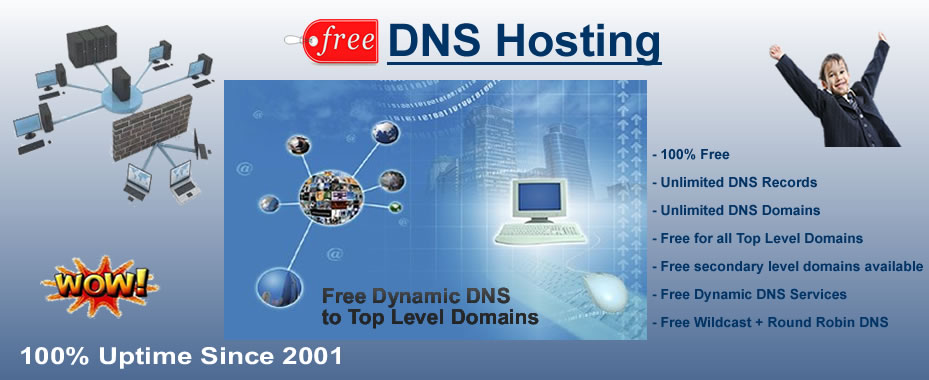 |
|||||||||||||||
How to start? |
|||||||||||||||
|
Note: To make the above DNS effective for your domain, you must have domain name servers (DNS) point to our DNS servers:
To start using our free DNS service, first point your domain name servers to our name servers and then you can |
|||||||||||||||
Need DNS help?See setup and troubleshooting answers in our DNS FAQ. |